Sudoku Solver
Live toolEnter a 9x9 Sudoku grid, solve it instantly, reveal one step at a time, or check whether a puzzle has one unique solution.
Puzzle solving tools hub
A growing hub for puzzle tools that help you check grids, learn solving logic, test puzzle ideas and recover when a difficult puzzle gets stuck.
Tool library
The live tools include a free Sudoku Solver, a step-by-step Sudoku Helper, a custom Nonogram Solver, a Kakuro Solver for cross sums grids, a KenKen Solver for arithmetic cage puzzles and a Battleship Solver for naval logic puzzles.
Enter a 9x9 Sudoku grid, solve it instantly, reveal one step at a time, or check whether a puzzle has one unique solution.
Get pencil marks, step-by-step hints and technique explanations without revealing the whole Sudoku solution at once.
Create a custom picture logic grid, enter row and column clues, solve it, and check whether the Nonogram has one answer.
Build a custom Kakuro grid, add diagonal across and down clues, enter known digits, then solve or check the cross sums puzzle.
Draw custom KenKen cages, enter arithmetic targets and known numbers, then solve or check Calcudoku and Mathdoku grids.
Enter a Futoshiki grid with greater-than and less-than signs, then solve it or reveal the next logical move with candidates.
Enter Towers edge clues and known building heights, then solve the skyline puzzle or reveal the next logical move.
Enter a Hidato or Hidoku path puzzle, mark blocked cells for irregular shapes, then solve it or reveal the next logical move.
Enter Slitherlink, Fences or Loop the Loop clues, mark known lines and crosses, then solve or reveal the next logical move.
Paint Queens regions, choose 1, 2 or 3 crowns, then solve the crown puzzle or reveal the next logical move.
Enter black and white pearls, mark known loop lines or crosses, then solve the Masyu puzzle or reveal the next logical move.
Enter numbered islands, mark known walls or open cells, then solve the Nurikabe puzzle or reveal the next logical move.
Enter Shikaku area clues, solve the rectangle puzzle, check uniqueness, or reveal the next logical rectangle.
Enter Light Up walls and numbered clues, place bulbs or markers, then solve Akari or reveal the next logical move.
Enter a Binary, Takuzu or Binairo grid, solve it, check uniqueness, or reveal the next logical 0/1 move.
Enter numbered islands, mark known single, double or absent bridges, then solve Hashi or reveal the next logical move.
Enter row clues, column clues, fleet lengths, ship and water marks, then solve Battleship or reveal the next logical move.
Puzzle books
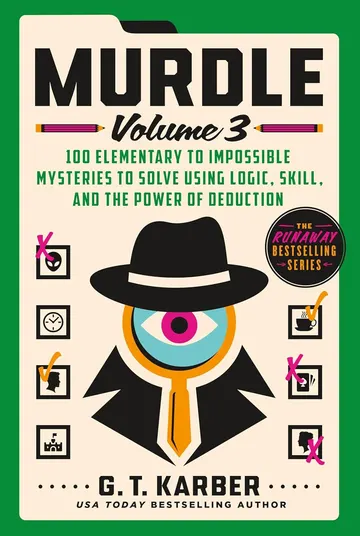 Murdle: Volume 1100 illustrated whodunits you crack with a logic grid — a mystery novel you actually solve.View on Amazon →
 The Killer Isn't AliceMurder-mystery logic puzzles that link into one bigger case — follow the clues to the culprit.View on Amazon →
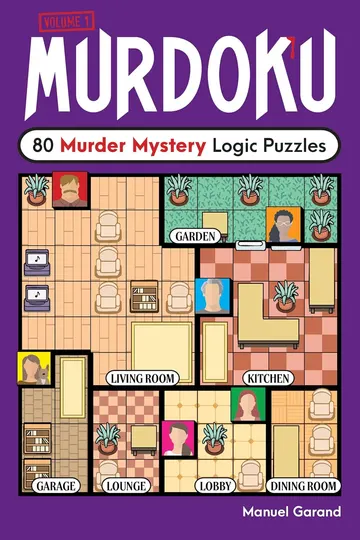 MurdokuSudoku with a story: fill the grid and the solution names the killer.View on Amazon →
As an Amazon Associate we earn from qualifying purchases.
Escape rooms at home
 Escape Room The Game, Version 2Three sealed escape rooms you play at the table against the clock — no app, no setup.View on Amazon →
 National Parks Mystery AdventureA trail-hopping mystery you solve from the couch with maps, codes, and handed-off clues.View on Amazon →
 Secret of The ScientistA locked lab and a vanished researcher — work the puzzles and crack the case in an evening.View on Amazon →
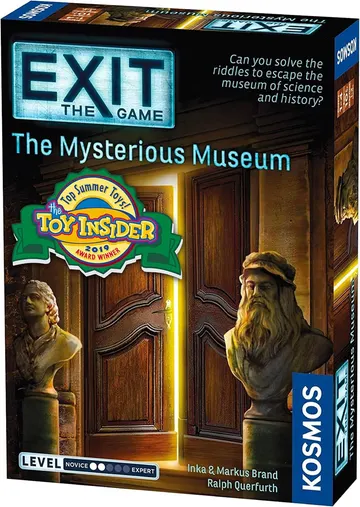 Exit: The Mysterious MuseumLocked in after hours, the exhibits hold the way out — a clever escape kit for 1–4 players.View on Amazon →
As an Amazon Associate we earn from qualifying purchases.
Puzzle tools are small helpers that make logic puzzles easier to check, study or create. A good tool does not replace the pleasure of solving; it gives you a way to test a grid, inspect a clue, reveal a controlled hint or confirm that a puzzle has a valid answer.
Puzzle solving tools are especially useful when a puzzle reaches the point where the next move is hard to see. Instead of guessing, you can use a solver, helper or candidate checker to understand what the logic allows.
The best reason to use a tool is to stay honest with the logic. If a Sudoku has duplicate digits, a Nonogram clue cannot fit, or a Kakuro sum allows only one combination, a tool can surface that fact quickly and clearly.
Tools also make puzzle creation safer. When you design a grid, you need to know whether it is solvable, whether it has more than one answer and whether the difficulty feels fair. A solving tool gives feedback before the puzzle is published or printed.
The live tools now cover Sudoku solving, Sudoku hints, Nonogram solving, Kakuro solving, KenKen solving and Battleship solving. The Sudoku Solver accepts standard 9x9 grids, while the Sudoku Helper focuses on pencil marks, technique hints and one controlled move at a time.
The Nonogram Solver lets you choose a custom width, height and clue group size, the Kakuro Solver lets you build a cross sums grid with diagonal clue cells, the KenKen Solver handles arithmetic cages, and the Battleship Solver works with row clues, column clues, fleet lengths and next logical moves.
Some puzzle searches are better served by reference articles than standalone tools. Kakuro combinations are a good example: many solvers want a chart for clue totals and run lengths, while the Kakuro Solver handles full-grid checking and solving.
This hub keeps interactive tools grouped together. Individual game pages can explain the rules, while articles can cover charts, strategies and solving ideas in more depth.
FAQ
The Sudoku Solver, Sudoku Helper, Nonogram Solver, Kakuro Solver, KenKen Solver and Battleship Solver are live now. They can solve standard Sudoku grids, provide Sudoku hints, check custom Nonogram clue sets, solve custom Kakuro grids, solve arithmetic cage puzzles and work through Battleship logic puzzles.
They help check answers, find contradictions, reveal hints, test puzzle validity and support learning when a puzzle gets stuck.
Yes. The Nonogram Solver, Kakuro Solver, KenKen Solver and Battleship Solver are live alongside the Sudoku tools, and future helpers can be added when they offer a useful interactive workflow.
They do not have to. Step mode, hints and validation tools can reveal just enough information to keep solving without showing the full answer.